User Guide
Tempevin User Guide
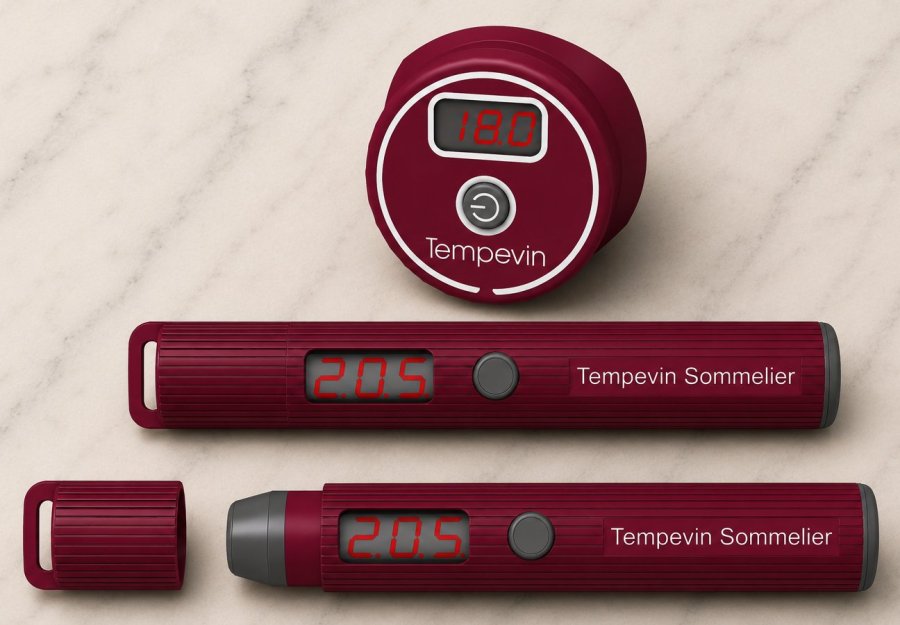
Note: this User Guide covers Tempevin Classic and Tempevin Sommelier.
Tempevin Classic contains a small, readily available, CR2032 button battery.
Tempevin Sommelier contains a rechargeable Lithium Ion battery. A standard Smartphone/Tablet charger and cable with a USB C connector may be used for recharging.
Safety warning for Tempevin Classic
Like all batteries, the CR2032 battery in Tempevin Classic can be extremely dangerous if swallowed - especially by a child.
Keep all batteries away from small children.
Tempevin Classic is not water proof - do not immerse it in water (or wine)!
It is illegal to dispose of used batteries in household waste - take them to your local supermarket or electrical store.
First use - Tempevin Classic
Tempevin Classic comes with the battery installed. There may be a small plastic insulation strip emerging from the side of Tempevin Classic. If so, please, pull it out to connect the battery to the internal components. If the strip is not present your Tempevin Classic is ready to use.
The battery should last for a very long time in normal use. Instructions for replacing the battery are shown below.
On first use, or when the battery is replaced, Tempevin Classic will display its version number (e.g. “V10”) and its emissivity setting (normally “0.98”). There is more about emissivity below.
Normal use - both versions
* Press and release the button to turn Tempevin on.
* Place Tempevin against the bottle or over a glass of wine.
* The temperature of the surface will be displayed.

Tempevin will timeout and turn itself off after 10 seconds - but this can be changed - see below.
Tempevin displays the average temperature of the surface it can see - the area below its curved base. Placing it over mismatching surfaces, or simply pointing it around at random, will display unreliable results.
Accurate reading
The curve in the back of Tempevin Classic is designed to fit snugly to the side of a wine bottle.
Wine bottles vary in shape and different parts of a bottle may have different curves. Tne classic straight "Bordeaux" shape is perfect for Tempevin Classic.

At the other extreme bottles like Chianti, Verdicchio, Sylvaner, Riesling, Provence and some sweet wines can be more awkward. Readings will be fine if you place Tempevin Classic over the fatter part of the bottle rather than over a narrow neck or over concave curves.
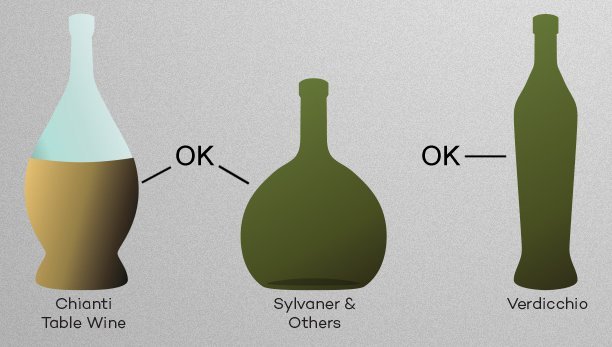
The secret is to find the part of the bottle that fills most of the view from the underside of Tempevin Classic. This may be on the main part of the bottle or even on the shoulder.
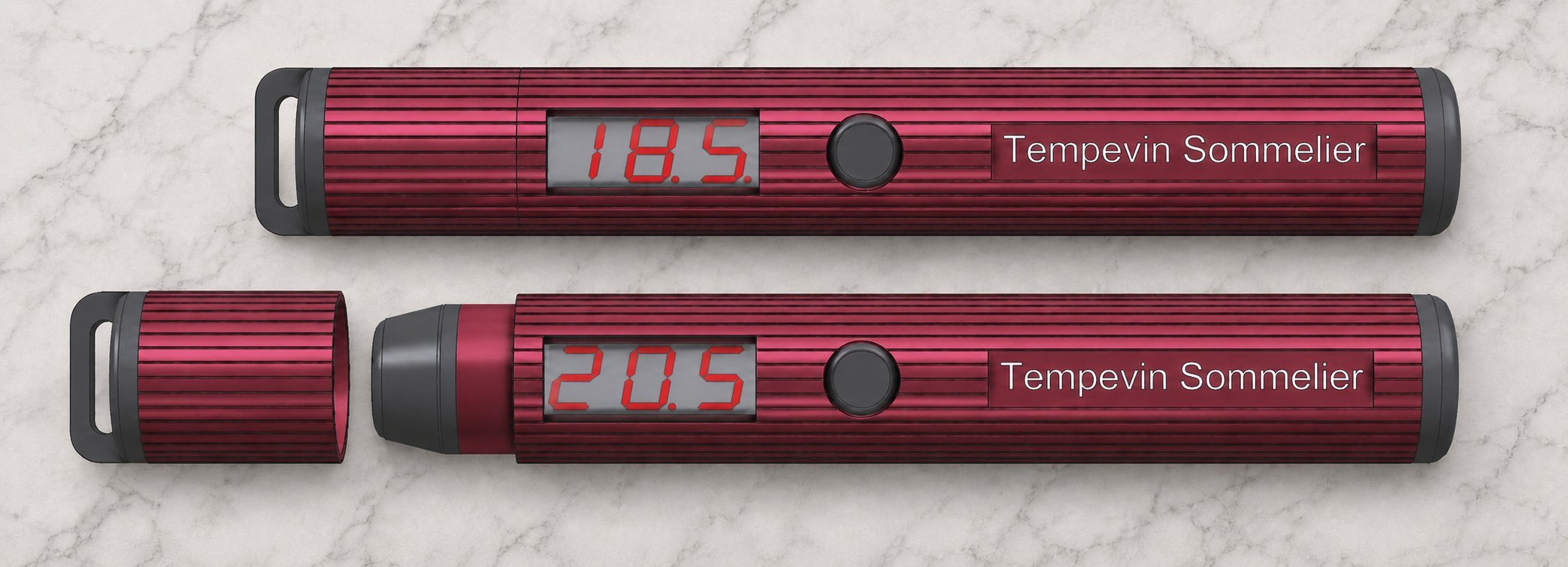
If you are regularly dealing with a wide variety of bottle shapes we recommend using Tempevin Sommelier which has a narrower field of view than Tempevin Classic (it is less likely to "see" areas beyond the edges of awkward shaped bottles) and is very easy to aim or hold against a specific part of the bottle - or directly over a glass.
Battery life - both versions
Note: Tempevin Classic uses a readily available replaceable CR2032 battery. Tempevin Sommelier has a rechargeable battery which can be charged from any smartphone/table charger using a standard USB C connector
When the battery voltage falls below an acceptable level the display will show "LO" when the button is pressed. If the battery is totally exhausted the display will not come on at all when the button is pressed.
Tempevin turns itself off automatically to maximise battery life but can also be turned off by pressing the button when a temperature is displayed.
Using a long timeout, or a high setting for display brightness, will reduce battery life.
For maximum battery life, select:
* Short timeout - 10 seconds.
* No decimal point display.
Options - both versions
Both versions of Tempevin have several options which are not normally required when measuring wine temperatures.
Options are selected by pressing and holding the button when Tempevin is displaying a temperature.
Important note: the Tempevin Classic button is designed to be quite firm to prevent the unit being turned on by accident. It is best to place Tempevin on a firm surface, like a table or desk, when selecting options so the button may be held down firmly while stepping through the options menu.
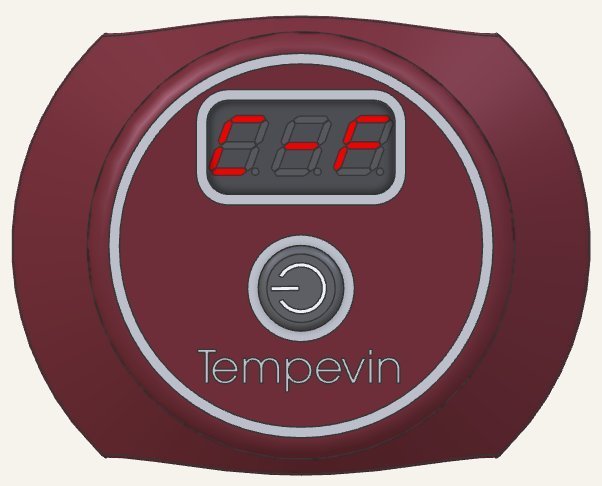
Press and hold the button to step through the options available - release the button when the required option is shown, for example, "C-F" to swap between Centigrade and Fahrenheit display. After release Tempevin will show any option selected. E.g. -F- for Fahrenheit or -C- for Centigrade.
OFF Turn Tempevin off before the timeout.
S-L Select a timeout from short (10 seconds) to long (60 seconds) in steps of 10 seconds (see below). This is a temporary change and the timeout will go back to 10 seconds the next time Tempevin is switched on.
0-0 Switch between showing the temperature with or without a decimal point. The change remains in force until you change it again.
C-F Switch between Centigrade and Fahrenheit display. The change remains in force until you change it again.
-V- Display the battery voltage. Classic: between 2.5V and 3.0V. Sommelier: between 3.1V and 3.5V
Vxx Displays Tempevin's version number.
Selecting timeout
Tempevin automatically turns itself off to save battery power.
The length of time it remains on depends on a timeout value from 10 to 60 seconds - the default is 10 seconds.
To change the timeout value:
* Select the S-L option from the menu (see above).
* The display will step through values from 10 to 60 seconds increasing by 10 seconds each time.
* Press and hold the button down when the required value is displayed.
* Release the button when the display goes blank.
* Tempevin will display the value you selected then return to displaying the temperature.
Note: the change is temporary because the display consumes power which will reduce the life of the battery. After the longer timeout you request Tempevin will revert to the 10 second timeout which is sufficient to check the temperature of wine in the bottle or in the glass.
Recharging Tempevin Sommelier
Tempevin Sommelier has a USB C socket at the end furthest from the display. It may be charged from any smartphone/tablet charger.
During charging the display will show a "chasing" pattern round its edge. Charging is complete when the display stops.
The video shows the chasing pattern on a Tempevin Sommelier circuit board before final assembly.
Changing the battery in Tempevin Classic
Note: Tempevin Classic uses a readily available replaceable CR2032 battery. Tempevin Sommelier has a rechargeable battery which can be charged from any smartphone/table charger using a standard USB C connector
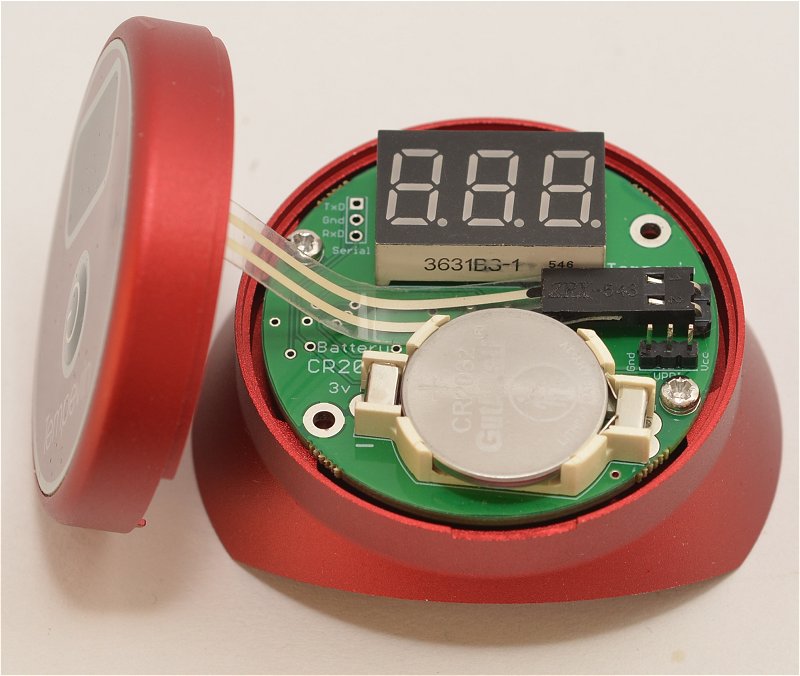
Unscrew the two small Pozi screws in the base.
Carefully lift off the front of the case.
Take care!
The membrane button is connected to the printed circuit board with a short cable so take care when lifting off the front of the case.
The cable is long enough to dangle at one side while you change the battery.
Gently lever out the CR2032 battery.
The battery has a very firm fit so put the left or right side in first then press firmly down on the other side.
Tempevin Classic will display its version number once and its emissivity setting ("98") twice as soon as the battery is in place.
Take care!
Carefully refit the front. The screws should go in easily with no force. If a screw resists turning it is not in correctly, Undo it and try again.
Check the alignment of the top with the base by looking at the slots in the sides where the original plastic strip emerged from under the battery. Wiggle the alignment slightly until the screws go in easily - don't force them!
Cleaning the sensor
Tempevin provides very accurate results when the round sensor in its base is clean. Avoid touching the sensor and keep Tempevin away from dust.
Use a soft clean cloth to wipe the sensor if necessary. Take care to avoid scratching or marking the surface in any way.